Guide
How to run a hackathon on EVOCA
Keep the opening keynote loud and demo judging clear: set up the sessions you will go live on, share join links at check-in, and run the wall when the room needs one shared feed.
Last verified: September 2026
Context and positioning: hackathon use case. Speakers and demo presenters can also follow how to run a talk.
Steps
1.Start from Conferences (or Talks)
For a full weekend agenda, open Dashboard → Conferences and create an event with New Conference. For a lighter setup, create talks under Your Talks → New Talk instead.
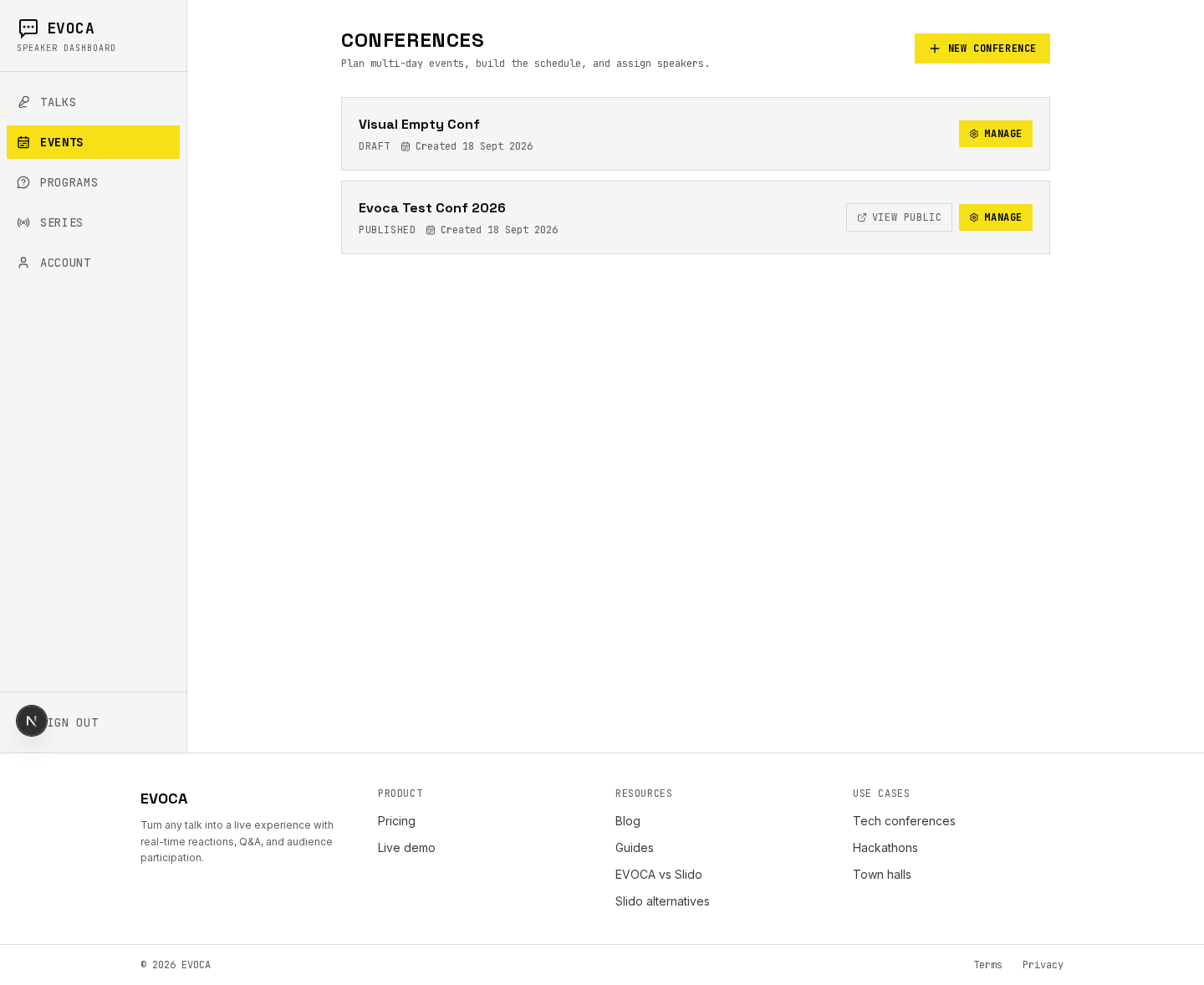
Events list — start a hackathon-style conference. 2.Build a rich multi-day schedule
Add days and use Add slot for the opening keynote, mentor hours, and demo blocks. Assign speakers on keynote and demo slots with Assign speaker, then Publish when the public schedule should go live.
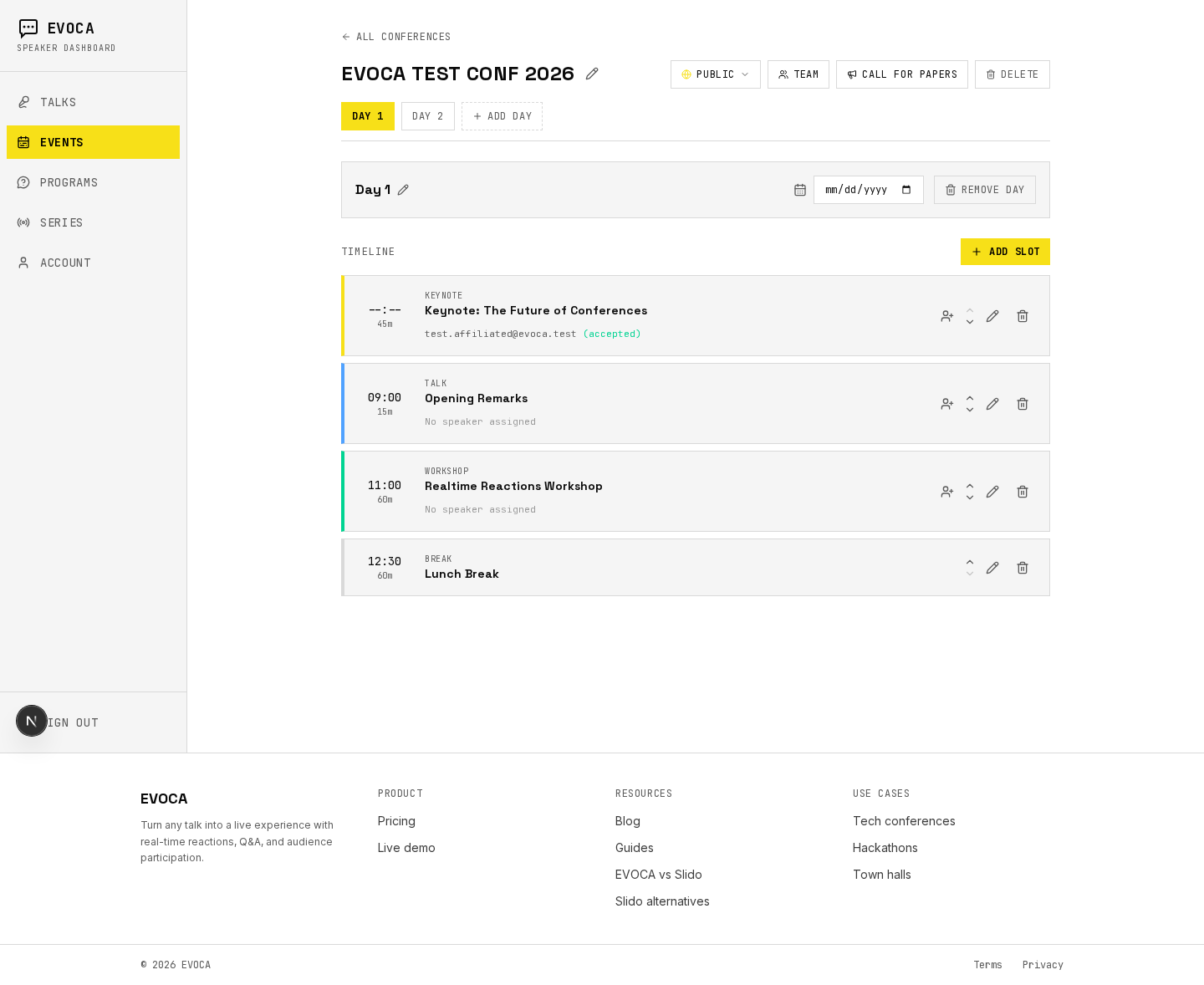
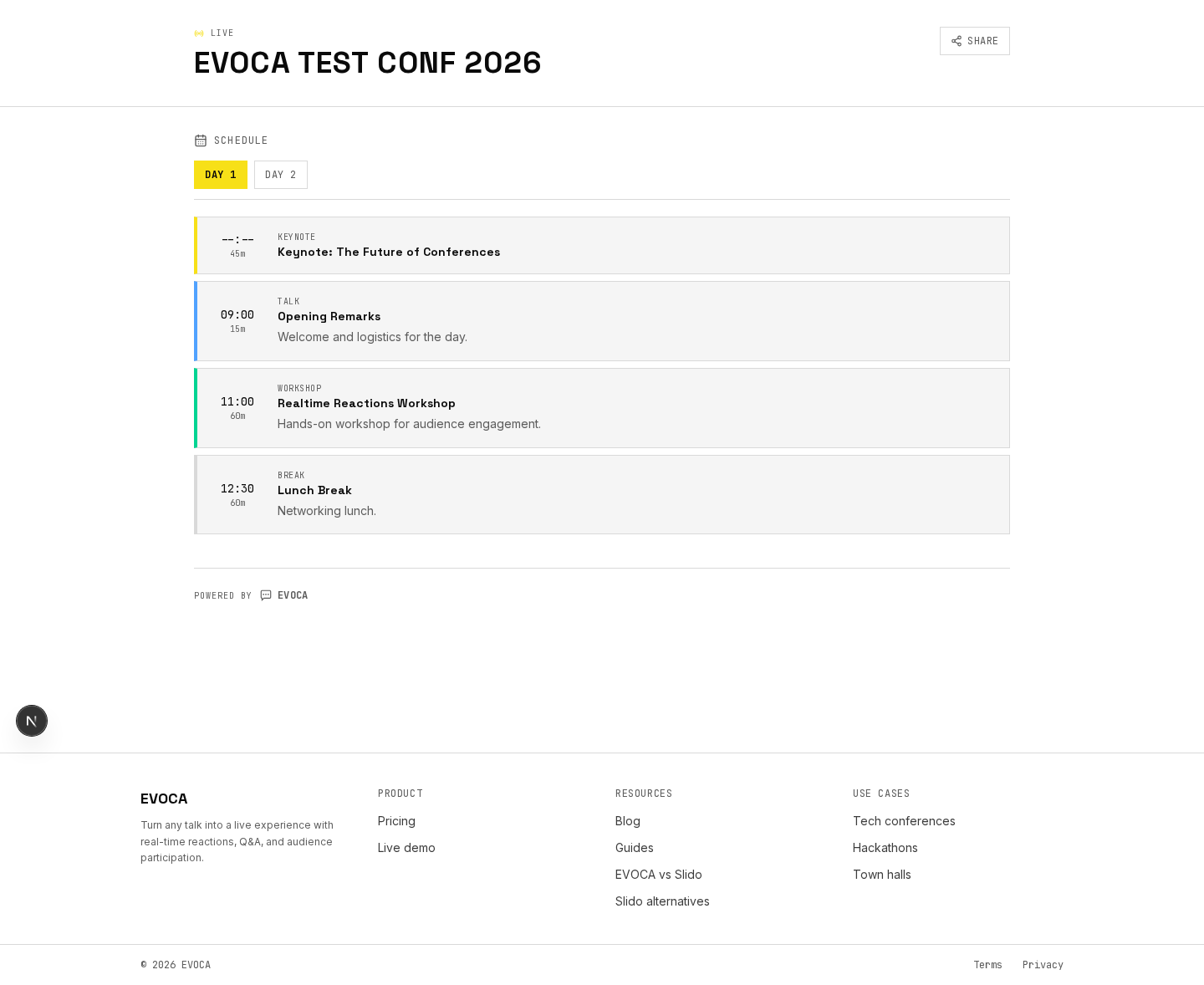
Rich multi-day schedule suitable for hackathon agendas. 3.Share the public event page
Share the public /c/… link at check-in so participants can browse the agenda on their phones.
Public event page for participants. 4.Present the keynote or demos
At kickoff or during demos, open the talk and go live with Present / Start session. Put Open Wall on the main screen and Open Presenter on the host laptop.
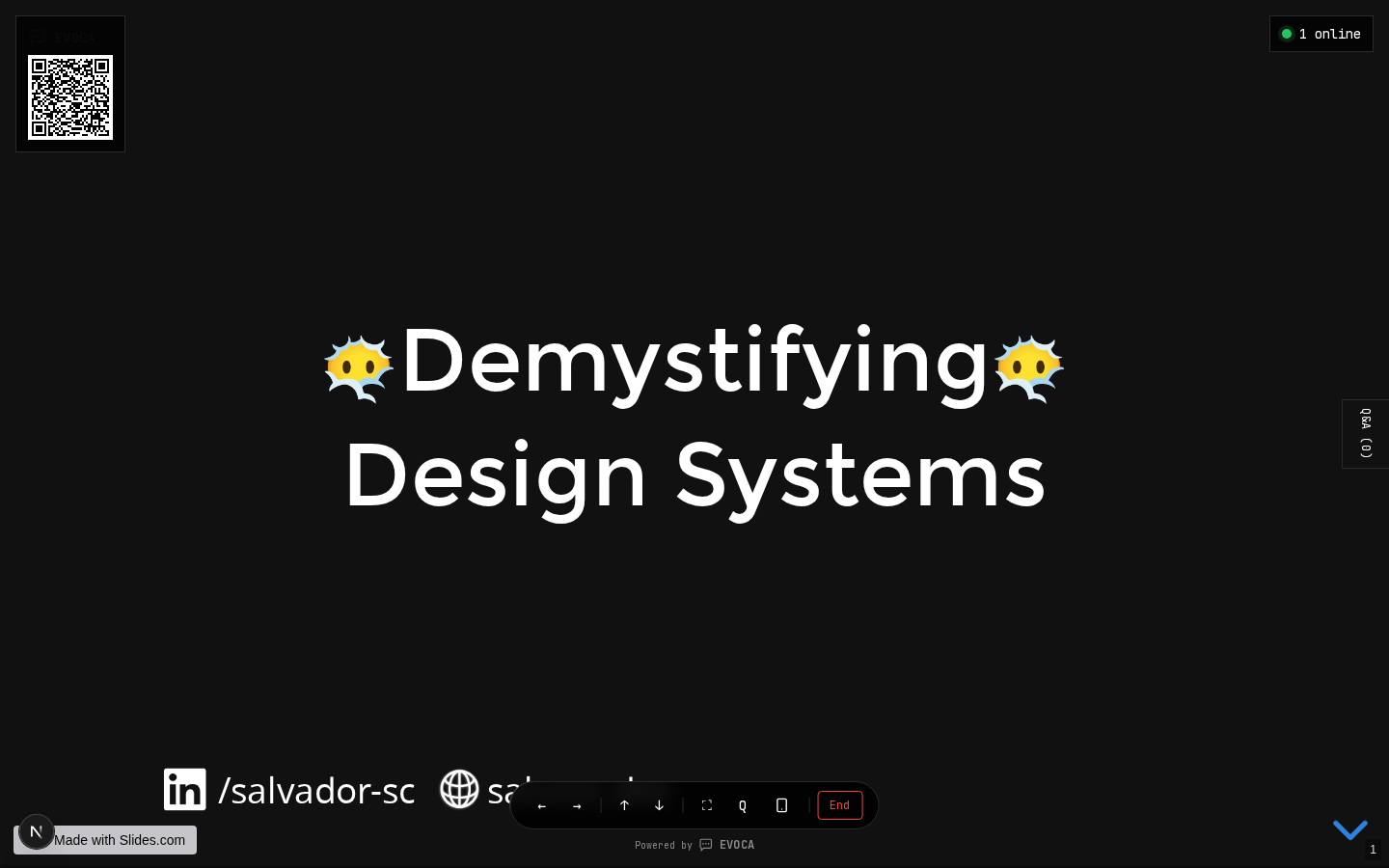
Present demo / pitch slides. 5.Project reactions during pitches
During demo judging, keep the reactions live wall visible so energy in the room is shared instead of buried in chat.
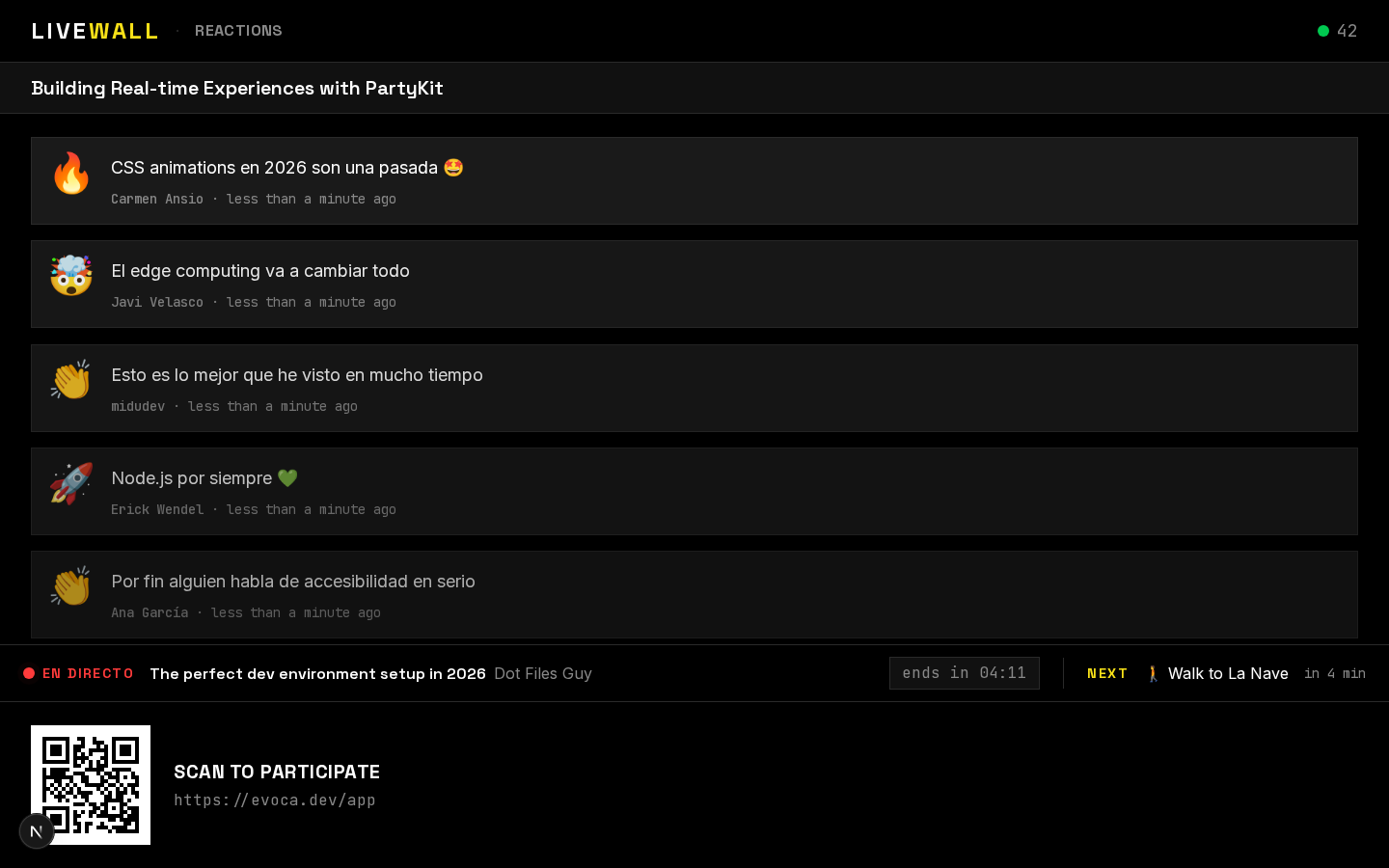
Reactions live wall for demos and pitches. 6.Let the audience ask during demos
Participants join by QR or link and Ask questions during demos. End the live session when that block finishes so the next slot starts clean.
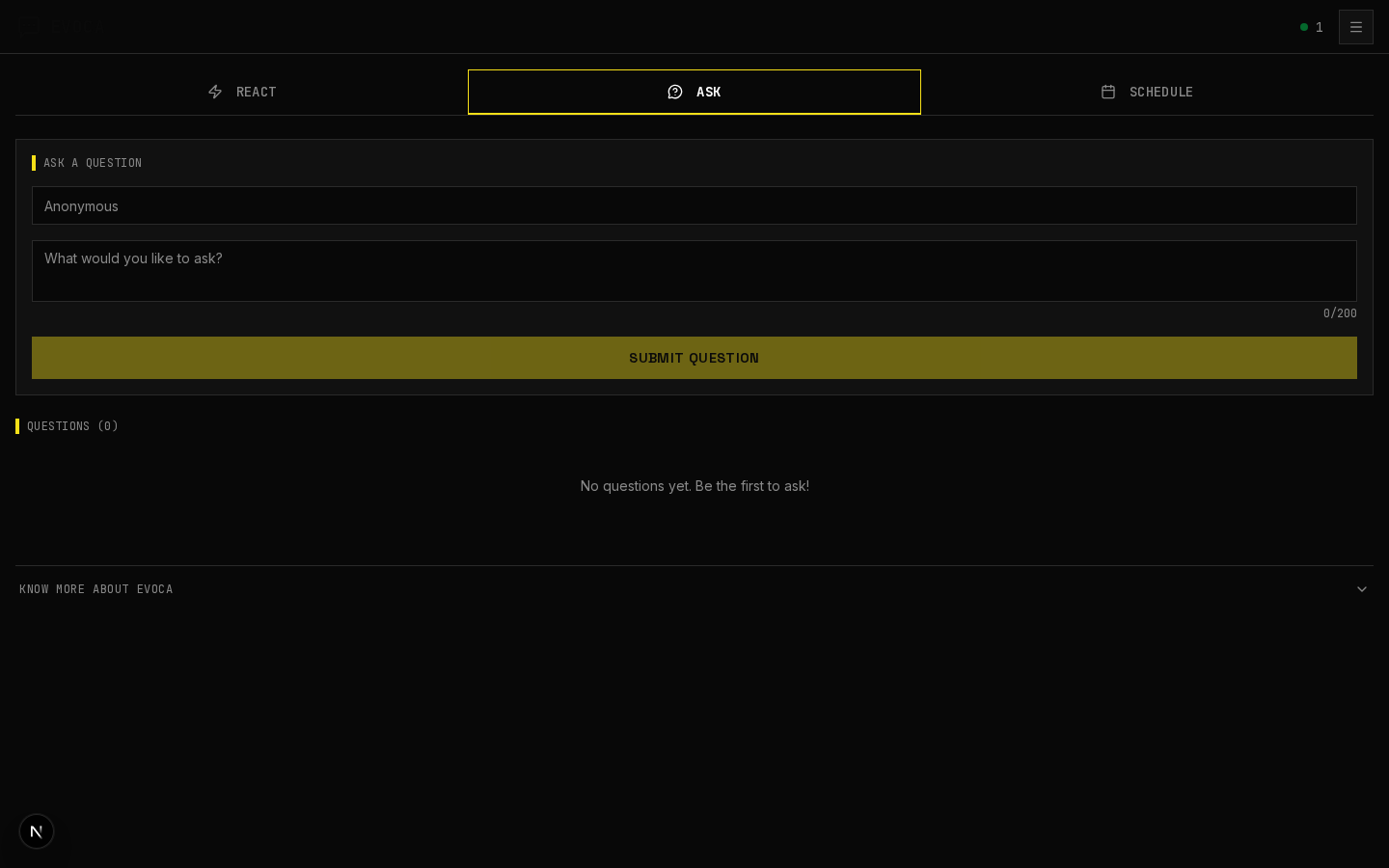
Attendees ask questions during demos.
Frequently asked questions
Power your next hackathon with EVOCA
Free for events up to 100 participants. One-time organizer purchase (€49) fits many single weekends.